How to Choose the Right Project Management Tool for Your Team in 2026
A step-by-step framework for picking a project management tool that your team will actually use — not abandon after two weeks.
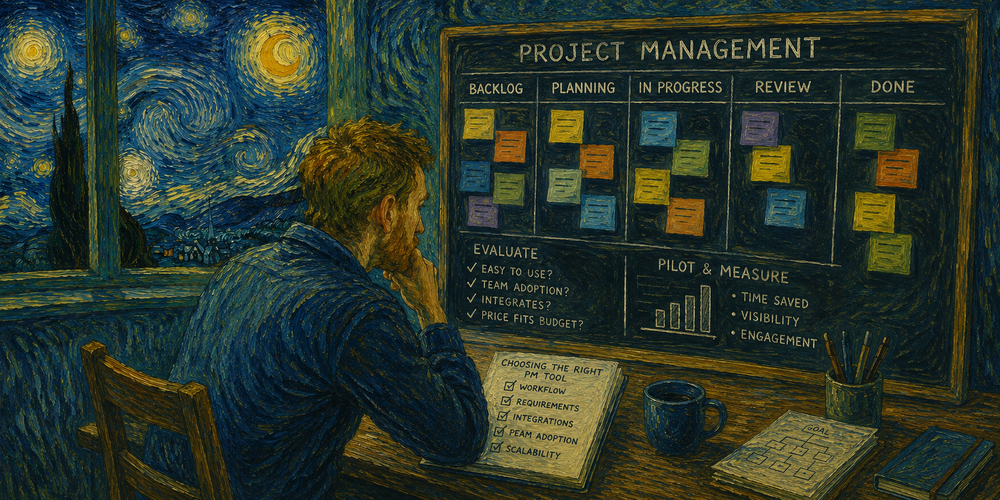
Most teams pick a project management tool based on a demo video or a colleague's recommendation, then wonder why adoption stalls after a month. The problem is rarely the software — it is the lack of a structured evaluation process before committing.
Step one: map your actual workflow. List every stage a task goes through from request to completion. Note who touches it at each stage, what information they need, and where handoffs break down. This map becomes your requirements checklist — any tool that does not support your real workflow is eliminated regardless of how impressive its feature list looks.
Step two: define your constraints. Team size (pricing scales differently), technical comfort level (some tools require admin expertise), integration needs (does it connect to your CRM, code repository, or communication tool?), and budget ceiling including the cost at 2x your current team size.
For agile development teams: Jira remains the industry standard with deep sprint planning, backlog grooming and DevOps integrations. The downside is complexity and cost at scale. If Jira feels too heavy, Wrike offers structured project management with Gantt charts and resource planning built for teams that need more than basic task tracking. See all Jira alternatives
For cross-functional teams: Monday.com and Asana balance flexibility with usability. Visual timelines, workload views and automation recipes let marketing, design and operations collaborate without forcing everyone into a developer workflow. See all Asana alternatives
For teams that want everything in one place: ClickUp combines tasks, docs, goals, time tracking and dashboards. It can replace Trello + Confluence + Harvest + Google Docs if configured properly. The learning curve is steep but the consolidation savings are real. Read our ClickUp review
For small teams and freelancers: Trello's card-based approach is still the fastest way to get started. Free tier covers most solo and small-team needs. When you outgrow it, the migration path to ClickUp or Asana is straightforward. See all Trello alternatives
Step three: run a two-week pilot with real work. Do not test with a sample project — use an actual sprint or campaign. Track three metrics: time spent on tool administration (should decrease, not increase), percentage of work visible in the tool vs hidden in DMs or email, and whether team members check it voluntarily without being reminded.
Step four: decide and commit. The worst outcome is not picking the "wrong" tool — it is running two tools in parallel for six months because the team cannot agree. Pick one, migrate fully, give it 90 days, then re-evaluate.
Browse our full productivity category to compare all tools side by side, or jump straight to our Jira alternatives if you are migrating from Atlassian.