Notion vs ClickUp vs Obsidian: Which Workspace Tool Fits Your Workflow?
Three popular workspace tools, three very different philosophies. We break down which one fits freelancers, startups and enterprise teams.
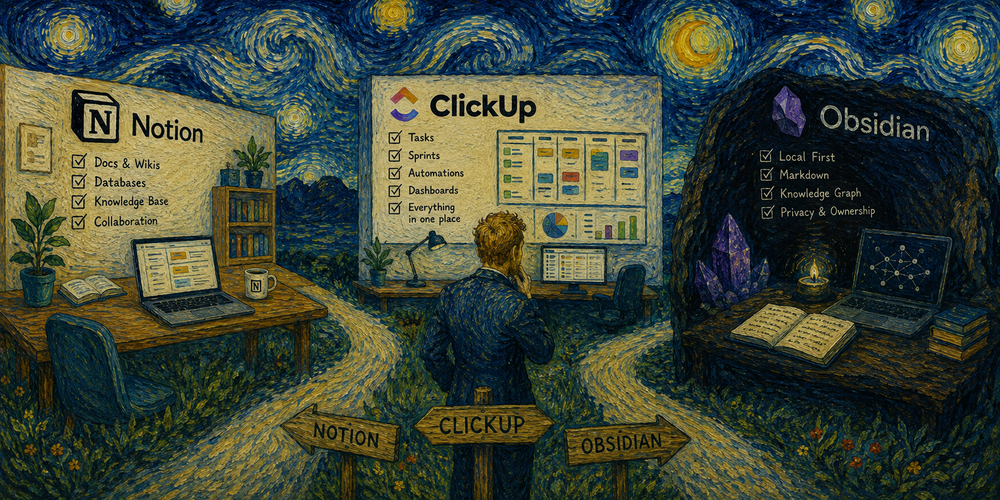
Notion, ClickUp and Obsidian all promise to be your single source of truth — but they approach the problem from completely different angles. Choosing the wrong one means months of migration pain. Choosing the right one can replace three or four separate subscriptions.
Notion is a flexible workspace built around blocks and databases. It excels at documentation, wikis, lightweight project tracking and knowledge management. The interface is clean and the learning curve is moderate. Where it struggles: complex project management with dependencies, time tracking and resource allocation. Best for: teams that prioritize docs and knowledge over task management. See all Notion alternatives
ClickUp is the opposite philosophy — maximum features in one place. Tasks, docs, goals, time tracking, automations, dashboards, chat, whiteboards and AI assistants all live under one roof. The trade-off is complexity: new users often feel overwhelmed by the sheer number of options. Best for: teams that want to consolidate Jira + Confluence + Trello + Google Docs into a single tool. Read our full ClickUp review
Obsidian is a local-first markdown knowledge base. Your files live on your device as plain text — no cloud dependency, no vendor lock-in, no subscription required for core functionality. The plugin ecosystem adds task management, kanban boards, calendars and publishing. Best for: individuals, researchers and developers who value ownership of their data and prefer keyboard-driven workflows.
Here is a quick decision matrix. If you need real-time collaboration with non-technical teammates → Notion. If you need full project management with sprints, automations and reporting → ClickUp. If you work solo and want complete control over your data → Obsidian.
Pricing comparison: Notion free tier covers individuals well, paid starts at $10/user/month. ClickUp free tier is generous for small teams, paid starts at $7/user/month. Obsidian is free for personal use, Sync costs $4/month, Publish costs $8/month.
Many teams end up using two of these together — Notion for company wiki plus ClickUp for project execution, or Obsidian for personal knowledge plus Notion for team collaboration. There is no rule that says you must pick only one.
Still deciding? Check our Jira alternatives page if you are migrating from Atlassian, or browse the full productivity category for more options.